AI Transcript Generator

YouTube Video to Transcript - Free AI Generator

Transform any YouTube video to text transcript instantly with our AI transcript tool. Generate accurate transcript output from video content - completely free, no sign-up required.

Generate Instant Results 100% Free AI Tool No Sign-up Required
10M+
Transcripts Processed
51
Languages Supported
500K+
Happy Users Worldwide
99.9%
AI Service Uptime
Easy Process

How to Generate YouTube Video to Text Transcript

Generate YouTube video transcript using our AI transcript tool in 3 simple steps

1

Copy YouTube URL

Navigate to the YouTube video you want to generate a transcript for and copy the URL from your browser. Alternatively, right-click and select "Copy URL". Our AI transcript tool works with any public YouTube video that has captions available.

2

Generate AI Transcript

Paste the YouTube URL into the input field above and click to generate your transcript. Our AI system will extract the video transcript automatically, converting spoken words to text format with precise timestamps.

3

Download or Copy Transcript

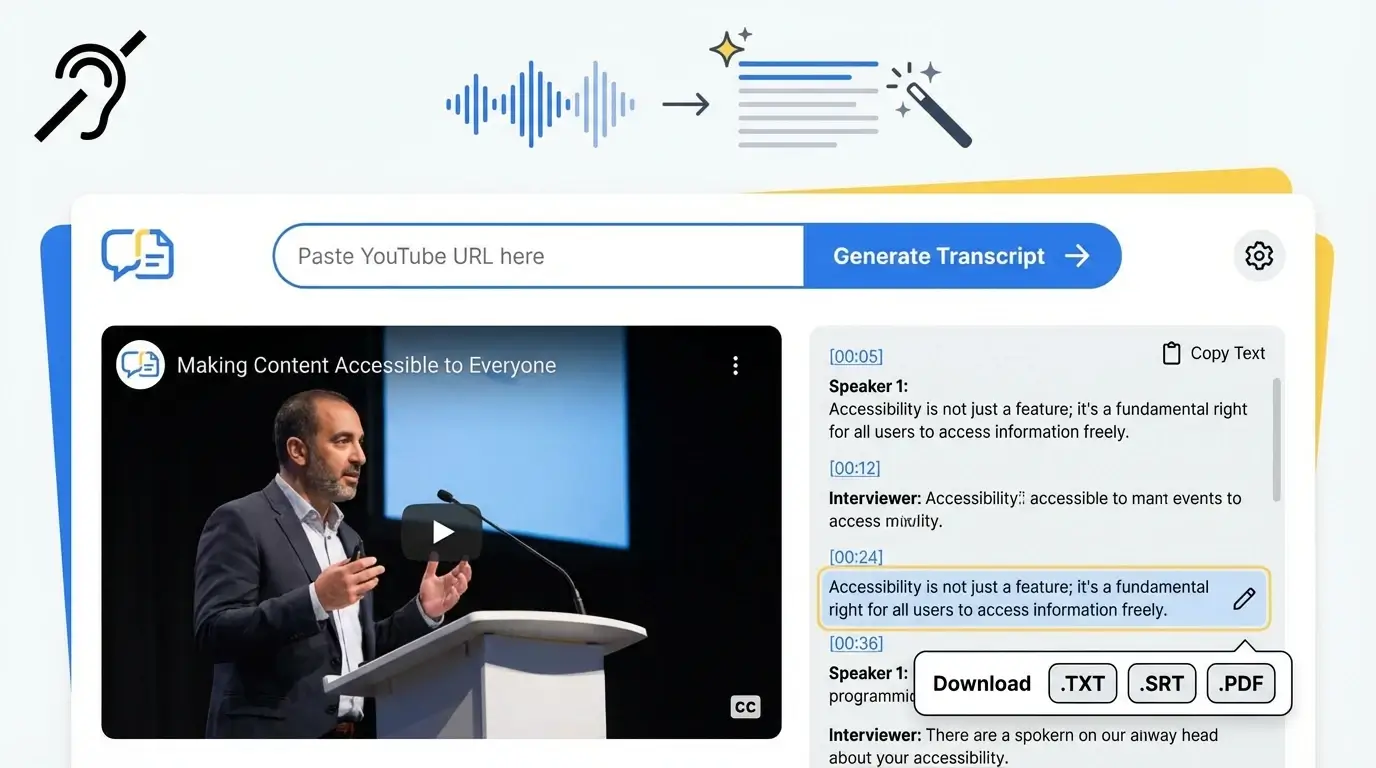
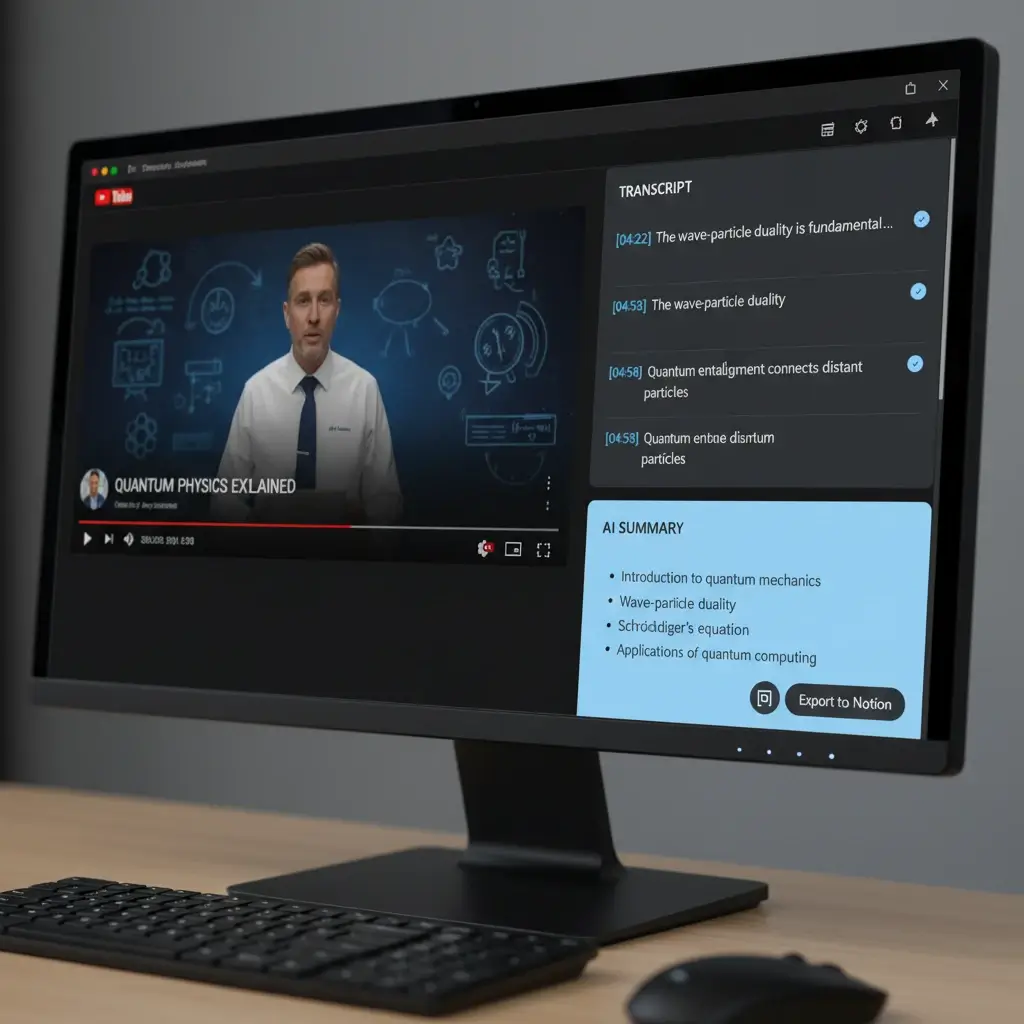
View your video transcript with precise timestamps displayed alongside each segment. Copy the full transcript text to clipboard or download the transcript as TXT/SRT files. Click any line to jump directly to that moment in the video.

Best AI Video Transcript Features

Our video transcript tool offers powerful AI capabilities to help you access video transcript output efficiently

Free Video Transcript Tool

Access unlimited video transcript output at no cost. No hidden fees, no premium tiers, no credit card required. We believe everyone deserves access to quality AI transcript tools.

Instant Transcript Processing

Get your video transcript in seconds with our AI technology. No waiting, no email verification - just paste a YouTube URL and receive your transcript output instantly. Perfect for professionals.

Accurate Video Transcript

Our AI extracts official video captions and subtitles with precise timestamps. It accurately captures every word from video content to deliver reliable text transcript results you can trust.

Download Transcript

Download your transcript as TXT or SRT text files for offline use, editing, content creation, or importing into other applications. Choose the transcript format that works best.

Clickable Timestamps

Navigate your video transcript with clickable time markers. Click any transcript line to jump directly to that moment in the video content for seamless synchronization.

51+ Languages

Access video transcript in over 51 different languages. Our AI tool works with auto-created captions and manual subtitles to serve international audiences.

Who Uses YouTube Transcript

Discover how professionals and students use our AI YouTube transcript tool to generate transcript output more efficiently

Students & Academic Researchers

Students & Academic Researchers

Generate transcript from educational YouTube content for effective note-taking. Convert YouTube lectures to text form for easier studying and cite sources in research papers.

Content Creators & Bloggers

Content Creators & Bloggers

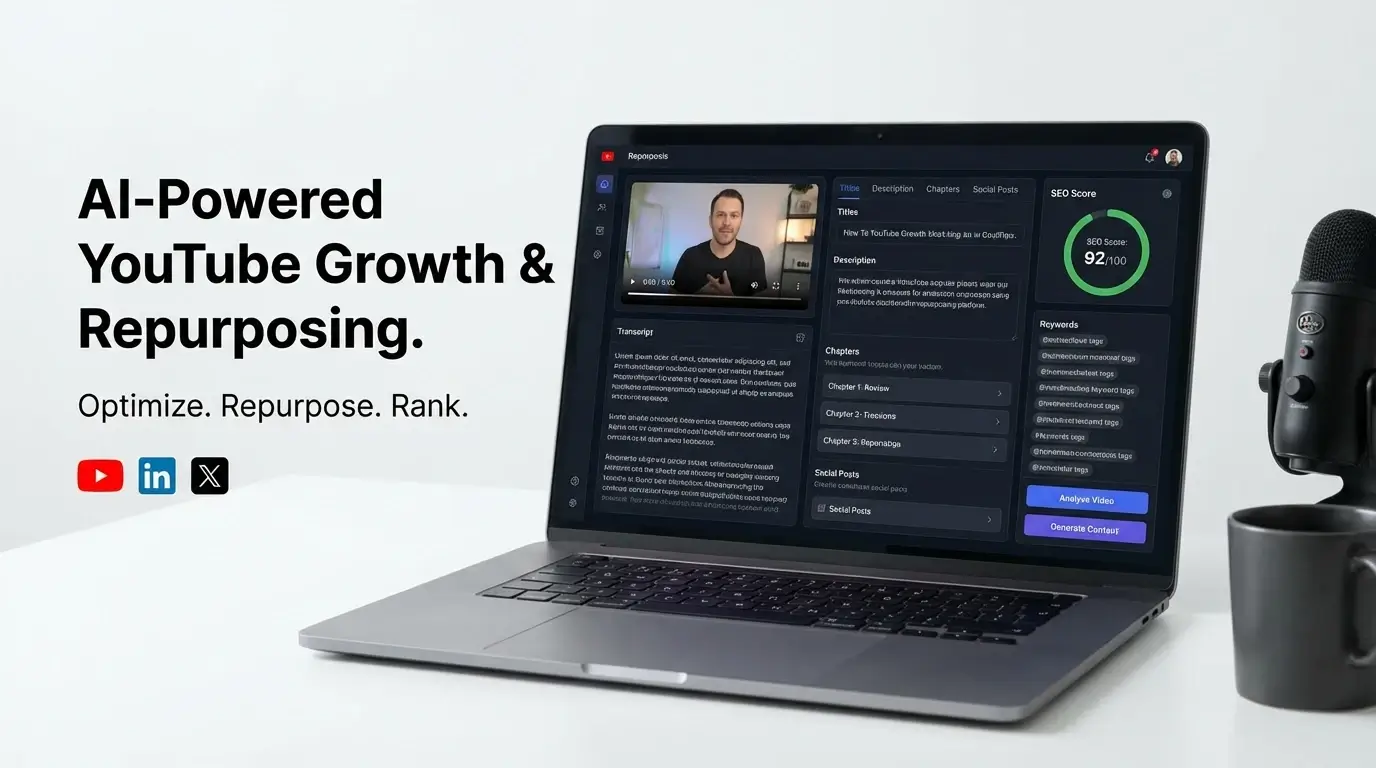
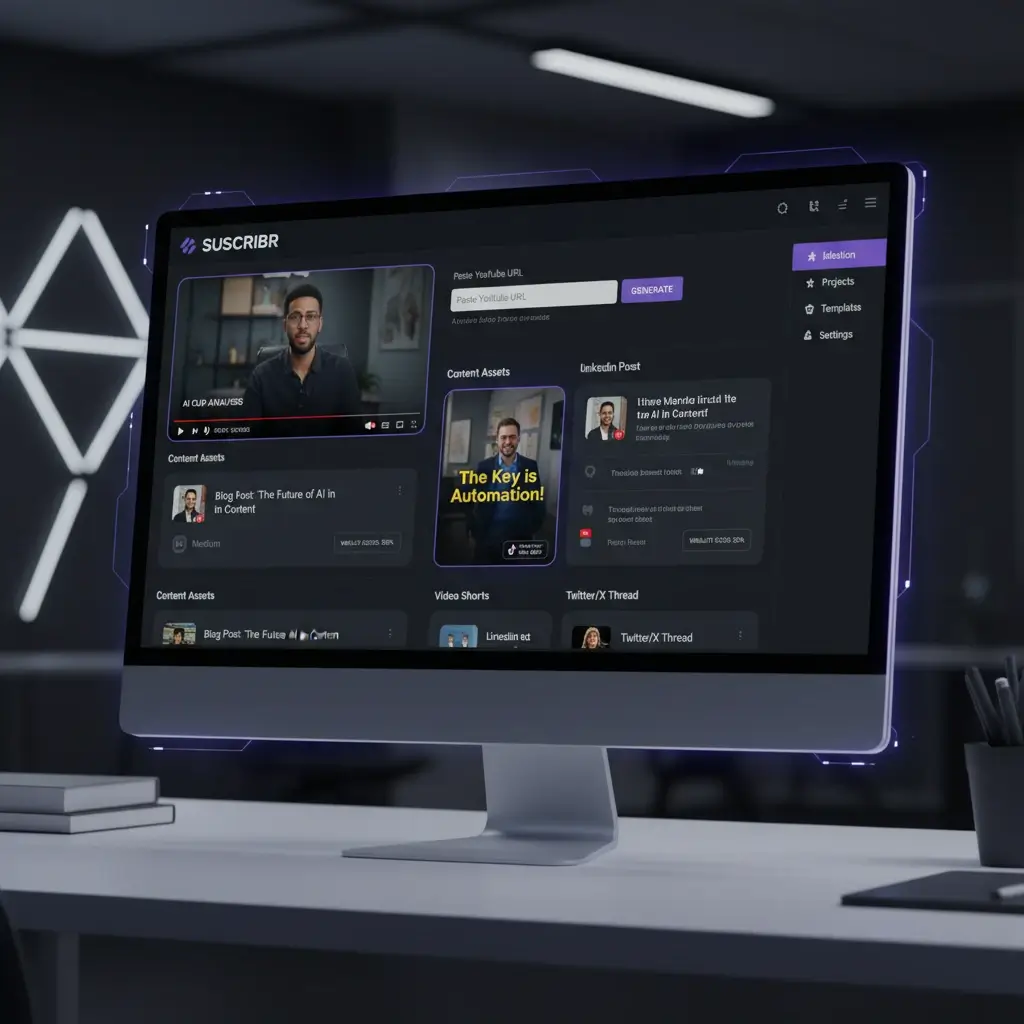
Transform YouTube content into blog posts, social media updates, and articles. Generate transcript to repurpose YouTube material and add subtitles.

Digital Marketers & SEO Experts

Digital Marketers & SEO Experts

Extract keywords from YouTube transcript for search optimization. Generate content from YouTube to improve rankings and develop marketing materials.

Accessibility & Inclusion

Accessibility & Inclusion

Make YouTube content accessible to deaf and hard-of-hearing audiences. Generate transcript to enable text-based consumption of YouTube content without audio.

Translators & Localization Teams

Translators & Localization Teams

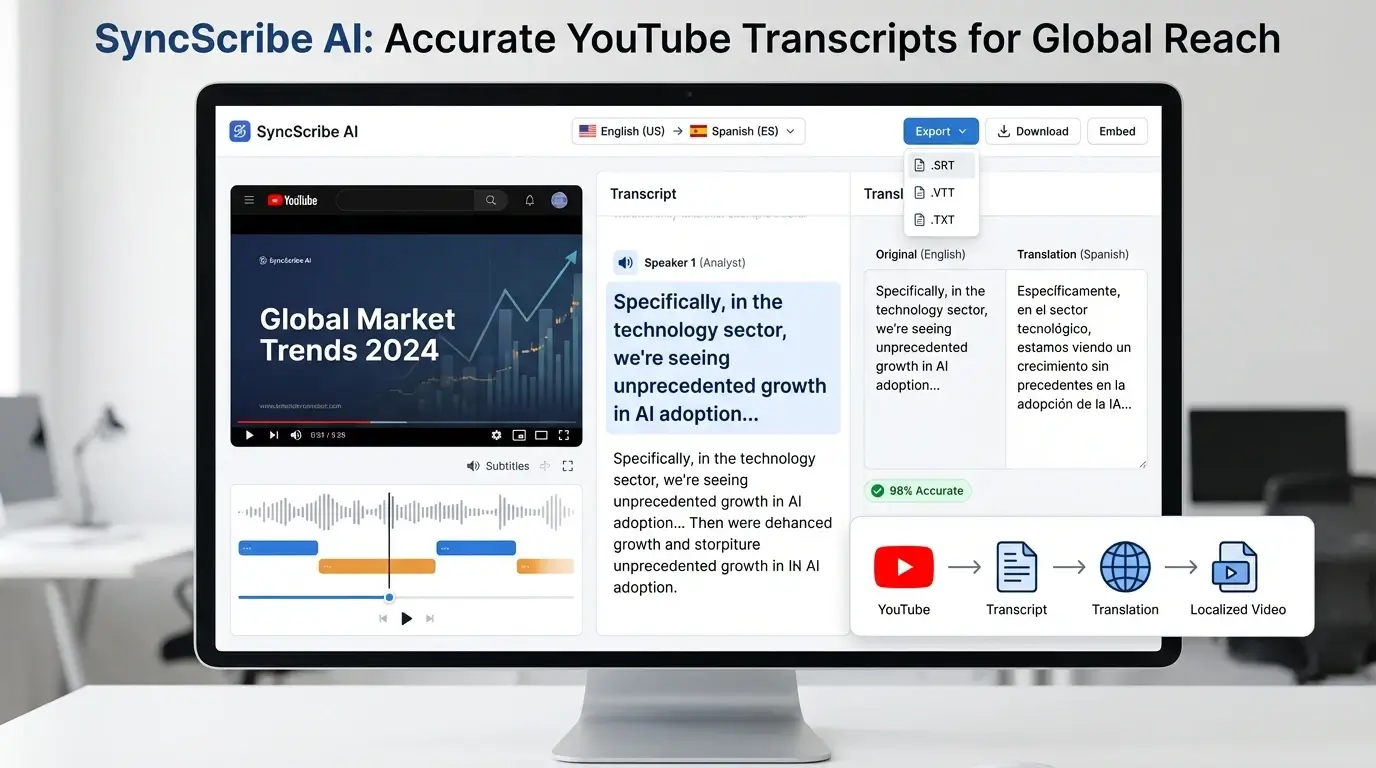
Generate AI transcript as a foundation for translating YouTube content. Streamline the localization workflow with accurate text versions.

Journalists & Media Professionals

Journalists & Media Professionals

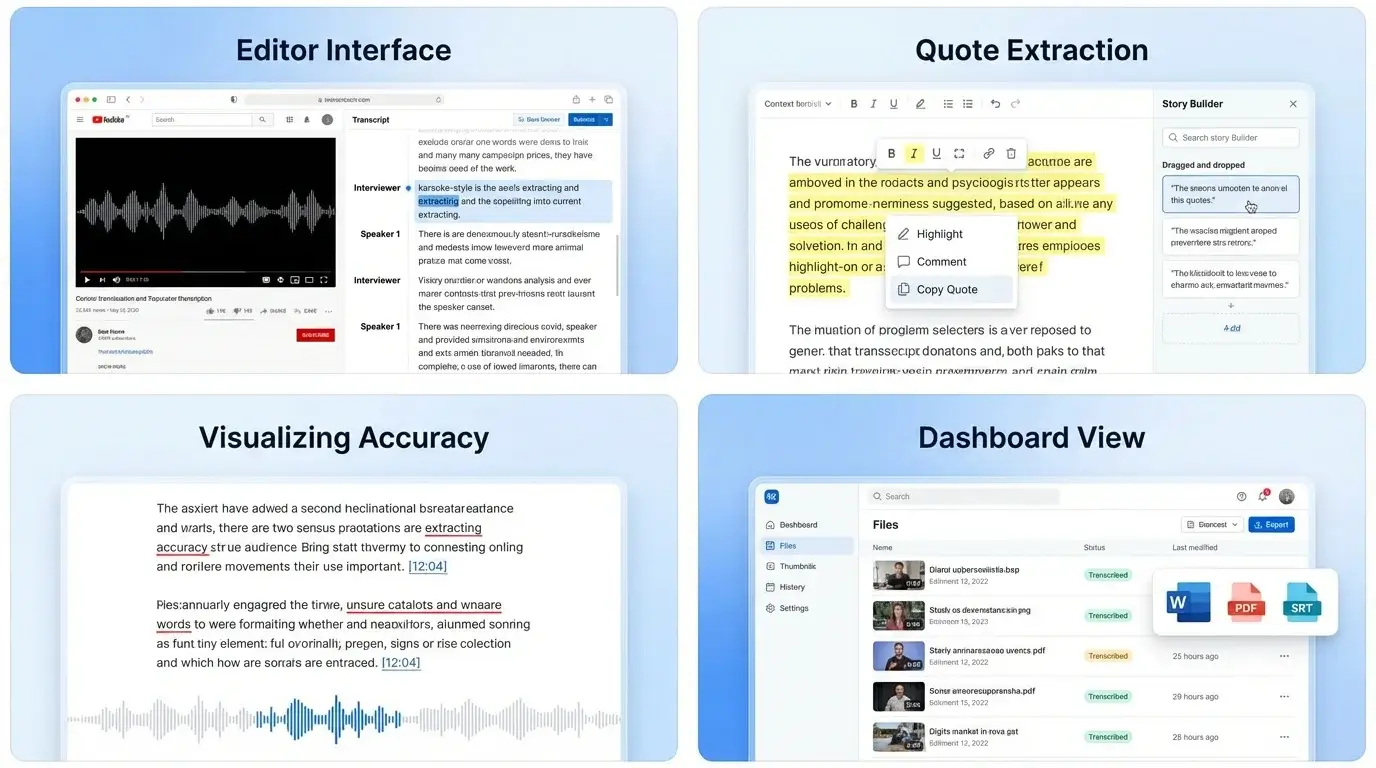
Quickly generate transcript from YouTube interviews and press conferences. Extract accurate quotes from transcript content for news articles.

About Our YouTube Transcript Tool

The most reliable free AI solution for converting spoken words into written format online

Our service is designed to help you convert spoken content into accurate written form quickly and easily. Whether you need captions for educational purposes, content creation, accessibility, or professional use, we deliver instant results without requiring any sign-up or software installation. Simply paste a URL and receive your output in seconds. The entire process is streamlined for maximum efficiency and convenience, saving you hours of manual work.

How It Works

Our technology leverages the platform's built-in caption system to extract accurate information from any supported content. The system processes the URL you provide, retrieves available captions and subtitles, and converts them into readable format with precise timestamps. This extraction happens instantly, allowing you to receive results in seconds rather than manually processing hours of material. We've optimized every step of the workflow to save you time and effort while delivering consistent, reliable output.

Why Convert Spoken to Written

Written versions of spoken content serve multiple purposes in today's digital landscape. They improve accessibility for deaf and hard-of-hearing audiences, enabling everyone to engage with content equally regardless of hearing ability. Students use them to take notes from educational material and cite sources in academic papers more effectively. Content creators repurpose material into blog posts, articles, and social media updates to maximize their reach. SEO professionals extract keywords to optimize for search engines and improve discoverability. Researchers analyze interviews and speeches more efficiently than ever before.

Accuracy and Quality Standards

The accuracy of your output depends on the quality of the original captions available for the content. Our system retrieves the exact information from the platform's caption data, ensuring results match what appears on screen precisely. For content with professionally created subtitles, you'll receive highly accurate output every time. For auto-generated options, quality reflects the platform's speech recognition capabilities, which continuously improve with advances in technology. We're committed to delivering the best possible results every time you use our service.

Download Format Options

After processing, you can download your results in multiple formats designed for different use cases and workflows. The TXT format provides plain content that's easy to edit and use in any application - perfect for quick copying and pasting into documents or notes. The SRT format includes timestamps and is compatible with editing software and subtitle players - ideal for creators, editors, and anyone working with synchronized content. Choose the format that best suits your specific workflow needs, and both options are available instantly after processing completes.

Multi-Language Support

Our service supports 51 different languages, making it valuable for international audiences and multilingual creators worldwide. Access content in English, Spanish, French, German, Portuguese, Japanese, Korean, Chinese, Arabic, Hindi, and many more languages. The system works with whatever language captions are available, including auto-generated options and manually uploaded subtitles in various languages. This comprehensive language support ensures everyone can benefit from our service regardless of their native language or the content they're working with.
Common Questions

Video Transcript FAQ

Find answers to frequently asked questions about how to get video transcript with our AI tool.

Is this video transcript tool free?

Yes, our AI video transcript tool is 100% free to use. There are no hidden fees, no premium features locked behind a paywall, and no limits on how many video transcript outputs you can access. We believe quality tools should be accessible to everyone.

Do I need to sign up to get video transcript?

No account or sign-up is required. Simply paste a video URL and get your text transcript instantly. We respect your privacy and don't require any personal information.

What video content can I get transcript for?

You can get transcript for any video content that has captions or subtitles available. This includes auto-created captions, manually uploaded subtitles, and multi-language options.

Why can't I get a transcript for some video content?

Some video content may not have captions available. The owner may have disabled them, or the video may be too new for auto-created captions. Our AI can only extract transcript from existing caption data.

Can I download the video transcript?

Yes, you can download your video transcript as a TXT text file or SRT file (with timestamps). Multiple export options let you choose the text format that works best for your needs.

How accurate is the video transcript?

Our AI extracts data directly from the video's caption system, so transcript accuracy matches the original captions. For professionally produced video content, transcript results are very reliable.

Ready to Get Your Transcript?

Get any YouTube video to text transcript now with our free AI transcript tool. Fast, accurate, and easy to use.